May 27, 2026
5 hours to prototype, 3 months to ship
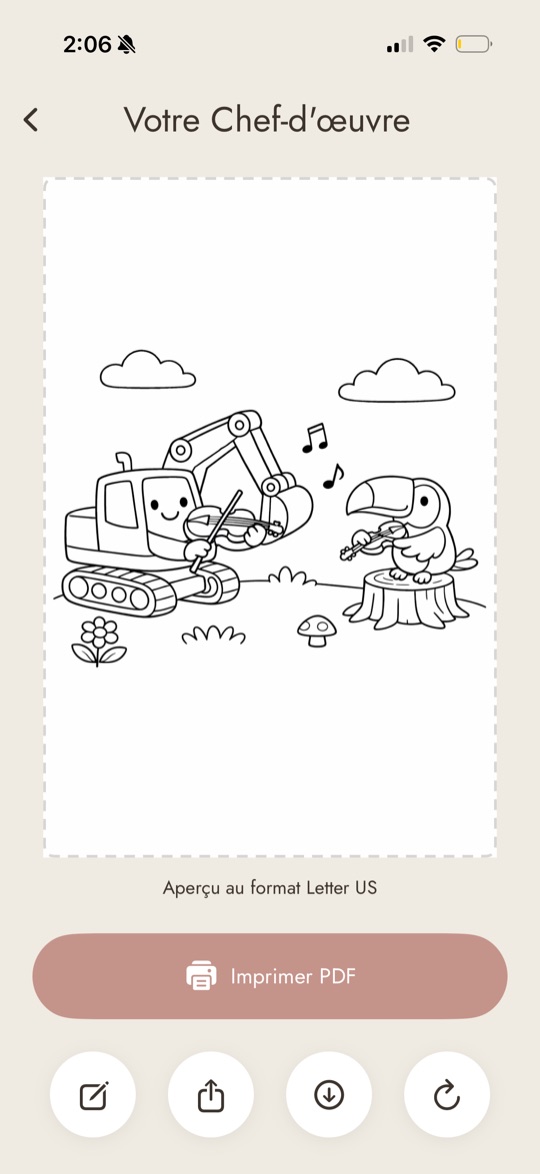
In February, my two year old asked me for a coloring page of an excavator playing a violin. His two favorite things. I plugged the prompt into ChatGPT, printed the result, and watched him show it to everyone he knew. “It’s an excavator playing a violin!”
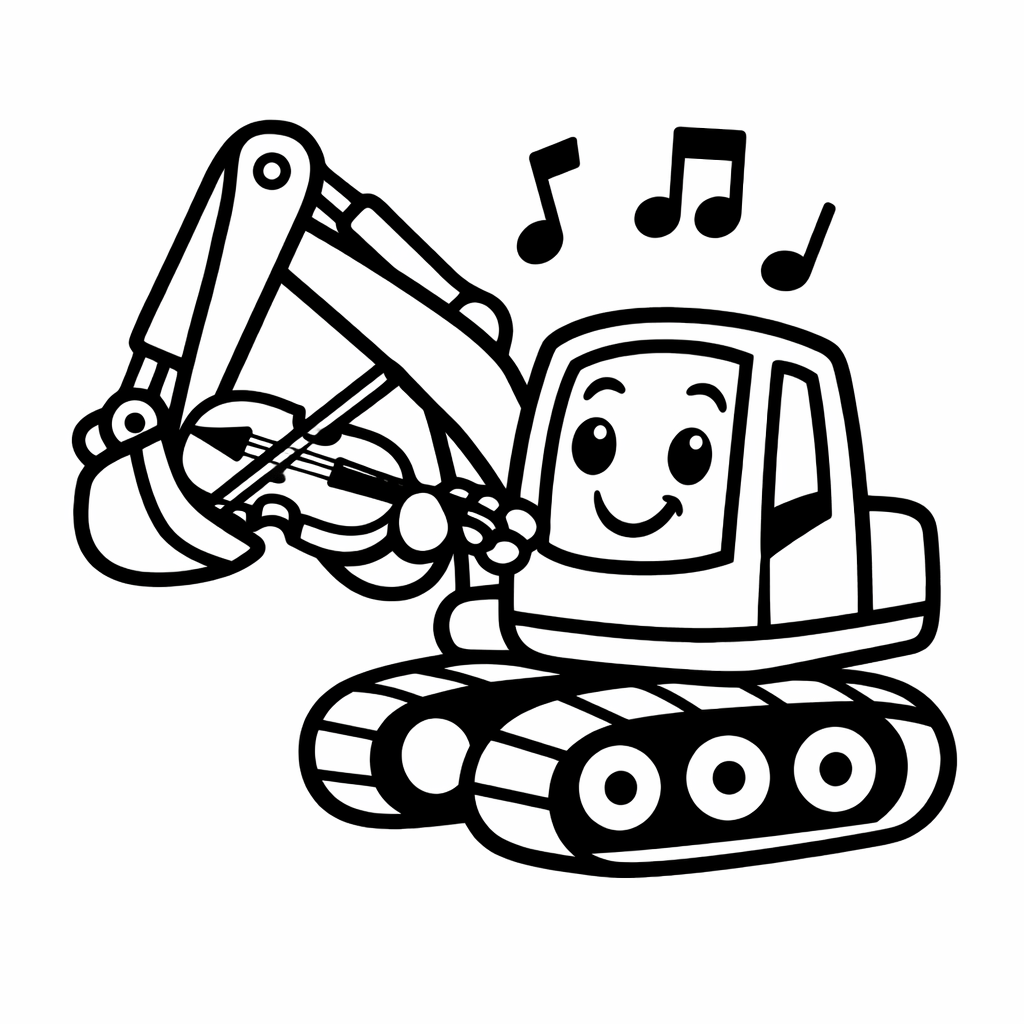
That weekend, I downloaded Windsurf and built a majorly vibe-coded working demo of what would become Colorín: an app that generates coloring pages from a story, spoken or written. It took about five hours. I figured I could get it in the App Store in a month at my part-time pace, then move on to the real problem I want to solve (diabetes tech).
I was so wrong.
I’d just come back to software engineering after a 1.5-year career break to be a full-time parent. (If you want that story, here it is.) Colorín was meant to be practice. A low-risk first project to reskill in a world where AI had completely changed what my job looks like since I left big tech in 2024.
Three and a half months later, Colorín is shipped. You can find it on iOS, Android, and at colorin.app.
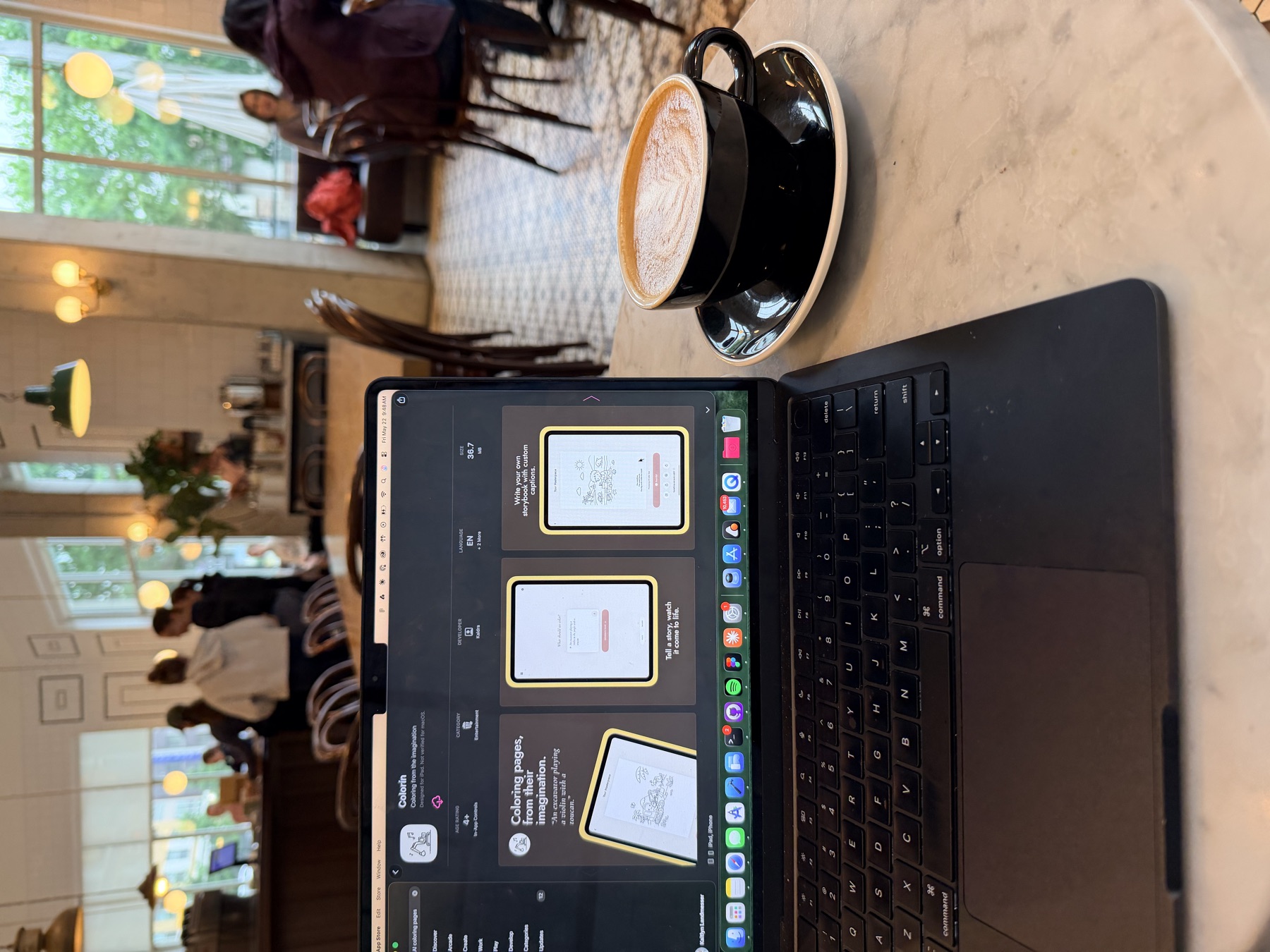
Here’s what I learned along the way.
My stack
- Claude.ai and occasionally ChatGPT, for brainstorming and spec work
- Google Stitch for UI/UX design
- Claude Code (terminal)
- Native iOS (Swift) and Android (Kotlin)
- Firebase backend
- OpenAI image generation API
- RevenueCat for payments
My workflow
I started this in February 2026, ancient history at the rate AI coding is changing. At the time, the mainstream advice fell into two camps:
- Vibe coding: just talk to the AI and iterate in English.
- Spec-driven design: write a thorough spec, feed it into the AI, iterate from there. (Or its cousin, test-driven design: define where you want to land, have the AI write tests, write the code to pass them.)
I tried vibe coding for a weekend (see above) and then moved on to spec-driven.
My initial plan was to work like this:
Spec. I’d brainstorm features in Claude.ai or ChatGPT, using different personas for different angles: legal advice, UI/UX, staff SWE. The goal was a tight feature spec before I touched code.
Design. Once I had the requirements, I’d build a UI mockup in Google Stitch (still in beta, but solid). The mantra was “bulletproof spec, bulletproof results.” For mobile, that meant “bulletproof UI, bulletproof result.” Pixel-perfect mockups went a long way. Stitch took a long time to get right and is probably going to get expensive long-term, but it got me to a real design fast. Later I started asking Claude chat to do mockups directly — it’s decent, but not pixel-perfect.
Code. For each new feature, I’d open a fresh Claude Code session, hand it the spec plus the mockups, and ask it to ask me questions before writing a plan. Big features lived in their own .md files with accompanying UI specs.
Test. Manual testing from Xcode and Android Studio onto real devices.
That was the loop. And then I learned that none of it would survive contact with reality.
Where the 3 months actually went
First I should preface, as primarily a full time parent, my hours per week on this project were low. I work 5:30am each day until about 7am. Then 3 days per week my son goes to preschool, which gives me 9 solid hours. If I’m not exhausted by the time its nap time, I’ll try to squeeze in another hour of light work. That’s not nothing, but it’s fragmented time throughout the day - not a solid 40 hour work week. Just keep that in mind.
I prototyped Colorín in Windsurf the first weekend of February. Then I spent four weeks planning: refining specs, refining UI/UX mockups, telling myself it would all pay off once I started writing code. (Spoiler from lesson #1: it paid off, but not in the way I expected.)
I threw away the Windsurf prototype and started real development in mid-March, building the Firebase backend and iOS app in parallel. Once the iOS prototype worked, I started on Android. This came together fast, because the agent had a full iOS implementation to reference for every feature (more on that in lesson #5).
And then I spent months polishing. That was the part that surprised me. Once both apps were working end-to-end, the work to get them app-store-ready took as long, maybe longer, than building them did. More on that in lesson #4.
What I learned about my process
1. Stop trying to write a bulletproof spec.
In February, everyone was talking about spec-driven design: “your product will only be as good as the spec”. Feed a bulletproof spec in, get a bulletproof product out. Simple.
From a practical perspective, this works. When I fed in a detailed spec and detailed design, I got pretty incredible results.
But have you ever written a bulletproof spec? We’re only human. And the only constant is change. For decades, we struggled with this concept while writing code ourselves. It’s classic waterfall development. There’s a reason we introduced agile, scrum, why there are whole shelves of books on these concepts.
Requirements shift. New ideas form. Building a product sparks ideas no amount of upfront deliberation can prepare you for. The documentation stays the same. It’s really hard to decide everything up front.
I think this is especially problematic for solo developers. Have you ever worked on a project, felt like it was perfect, only to immediately start seeing holes when you show it to someone? This happened to me with Colorín. It was just me and my AI agent, and I thought we had the perfect UI/UX for the voice input screen. Then one weekend, I showed it to some friends and their feedback immediately gave me new ideas. I think incorporating a prototyping and user feedback phase would prevent a lot of the UI/UX rework I needed to do with this app that I thought would be simple.
There’s a middle ground I haven’t fully found yet: sketch the idea, code a prototype first to flesh out what you’re building, let the AI grill you, record only the decisions worth keeping. Come up with a plan, break it down into parts, let the AI iterate on each part, maybe in parallel. I’ll write more about this after my next project.
2. For mobile, try UI-driven development (but don’t obsess).
A huge part of mobile is the UX. Our phones are the most intimate object we own; we demand polish from the apps that live on them.
Google Stitch let me build that feel. Quickly, and pretty close to perfectly. Iterating on user experience visually was so much faster than describing it in text. Pixel-perfect mockups, fed into Claude.ai to generate a tight UI spec, then passed into Claude Code. I never once struggled to get Claude to build the UI I was envisioning. As an engineer who loves design but isn’t a designer, this part was pure joy.
But I ran into the same trap as lesson 1, but for designs. When requirements change, the polish you put into the input is wasted. I spent too much time here. By the end of the project, I was using Claude’s in-chat mockup capabilities (they’re pretty good) instead.
It did pay dividends to establish a design system early in the project. Even something as simple as a color palette and font system gave Claude a consistent starting point for new features. When I started iterating without designs, the AI knew where to turn for roughly how things should look and feel. This used to be reserved for only large companies. With AI, every solo dev should have their own design system.
For new mobile products, I think UI-driven beats test-driven, or at least rivals it. Like everything in life, experiment.
3. Context matters. Workflow matters. But don’t overthink it: just build.
AI coding is so new it’s changing week to week. It’s beautiful and it’s overwhelming. You can lose hours on the internet chasing the latest pattern. What matters more, at this stage, is getting in there and doing the thing yourself. Figure out what works, what doesn’t. Spend a month doing that. Then take a break to learn and refine. That is what I’m going through now. I’m watching YouTube, I’m building a portfolio of Skills. But I think I wouldn’t have known what I needed and what my style was if I didn’t go through that phase of experimentation.
My process felt messy a lot of the time. I’d have 5–10 terminal tabs open, each with its own Claude Code session, manually copy-pasting between them. There’s so much I could optimize, and now that Colorín is shipped, I’m taking a pause to actually do that. But I don’t think it would have served me to do it while I was in the trenches. You have to ship something first to know what’s worth optimizing.
I pivoted across the project, from the spec-driven process I mentioned in the intro, to no spec at all and just chatting with the agent. The conversational mode felt more natural, but it left half my decisions stored in the agent’s live context. Close the terminal? Gone. There are still design docs committed to my repo from that first round of spec driven design that are hopelessly outdated by now. I’m sure they’re confusing the heck out of each agent that looks at them. And my claude.md file? A disaster! I know there are better ways. I’ll find them next time. But I still got to a working solution, many times quicker than I would have in pre-AI times. Could I speed up my workflow by 2x by using advanced AI features? Probably not. My guess is those optimizations will save me 10–15% more time going forward. Worth it, but not worth it for beginners if it becomes a barrier to entry. I’ll follow up on this.
What I learned about working with AI on a mobile project
4. AI lets more people code. Shipping still takes persistence.
When AI coding started getting good, I thought, “That’s it. Anyone can ship a mobile app now.” But shipping Colorín taught me how much of the work isn’t the code.
Once I thought I was finished with the core product, it took me as long (maybe longer) as it had taken to build the core features to get Colorín app-store-ready. Updated terms acceptance. Delete-account flows. Dark mode. Accessibility. iPad layouts. Localization. Crashlytics audits. The stuff that doesn’t show up in a demo but blocks an App Store review.
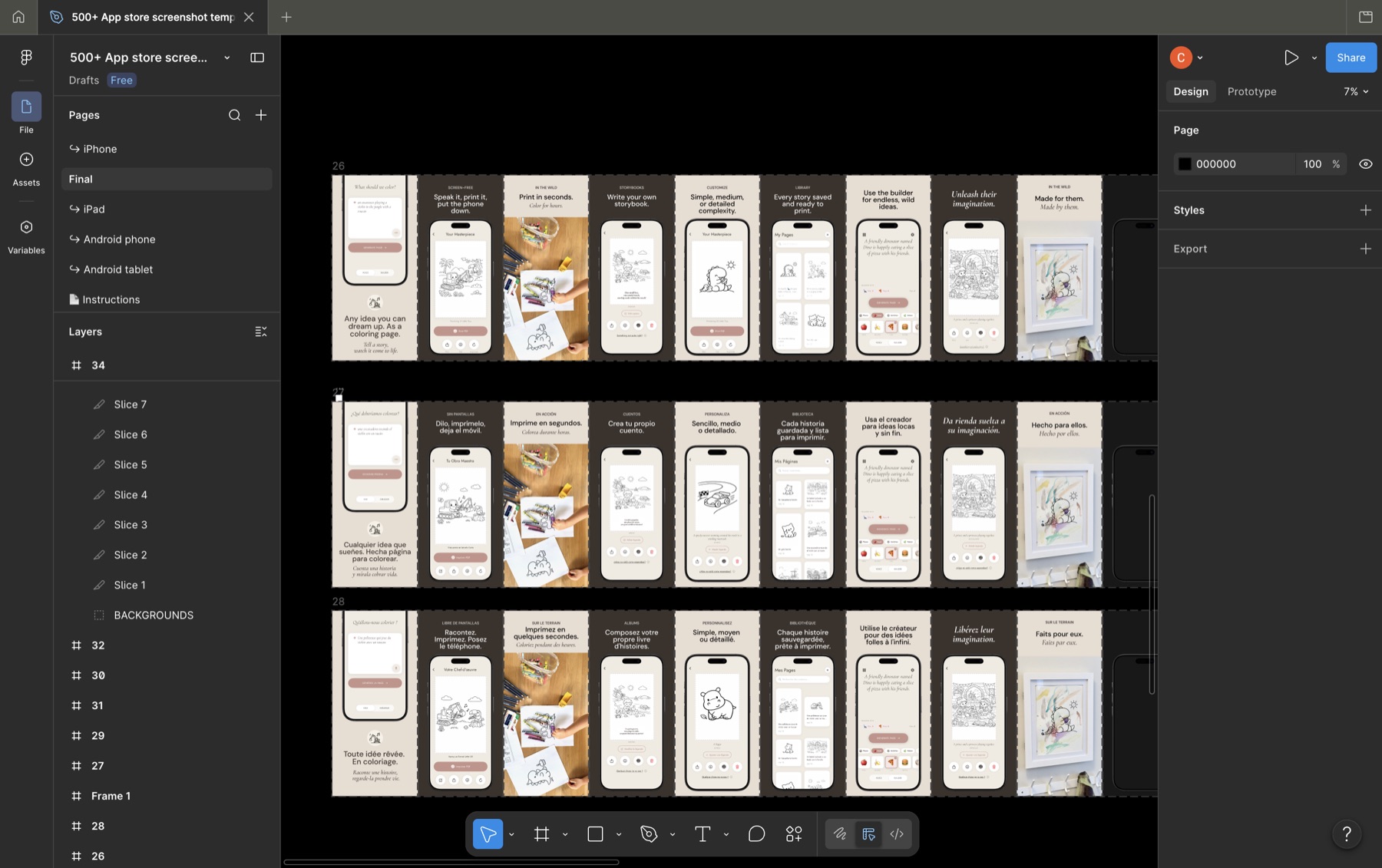
Some of it AI can help with. Some of it, it can’t. Creating developer accounts. Taking app store screenshots. Setting up everything in the App Store portal. (Did you know you need a physical Android device to become a Google Play dev?)
And the code itself still needs to be tested on real hardware. Mobile has always been a fragile platform. A feature can look beautiful in one OS version, on one device, in English, and break the moment you change any of those variables. (German was always a problem.) SwiftUI has closed a lot of that gap. But I remember the day my tech lead opened his desk drawer to reveal dozens of iOS devices and said, “Pick one. Then come back and pick a different one tomorrow.” The drawer is mostly gone now. The principle isn’t.
There’s huge opportunity for AI to help with more of this. What if Claude could pick a different simulator each time we ran a test? AI-run bug bashes? But we’re not there yet.
If you’re building something with AI, you shouldn’t feel like it’s cheating. It still takes perseverance to polish something to the point that it’s ready to ship. It should still make you proud.
5. AI is great for cross-platform porting — and for getting you up to speed on the platform you’re porting to.
iOS started March 14. Android started two weeks later and reached feature parity in about half the active days, because the agent had a full iOS implementation to reference for every feature.
Incredible. And this is without any special Claude skills or advanced AI features (more on that soon).
For each feature, I’d ask my agent on my dominant platform (iOS) to write a spec describing the feature for the non-dominant platform (Android). Then on Android, I’d let the agent reference the iOS code directly. I would take screenshots of each individual iOS screen and drop them into the Android repo for reference. It worked surprisingly well.
That said, I never felt extremely confident on my design decisions in the Android codebase like I did in iOS. Those years as a domain expert still paid off when building the iOS app. If you’re not vibe coding, you have to make real design decisions that shape the codebase, even if you’re not writing it. Some of these are generic software engineering logic (pagination, notifications, etc.) but some would benefit from real, lived experience as a software developer in that field. I had to read a lot of Android documentation.
Can AI help here too? I think so. I love the concept of “invite AI to the table in every aspect of your life,” written about by Ethan Mollick in Co-Intelligence: Living and Working with AI. You can ask AI to write personalized content just for you. So instead of reading Android documentation (the old way), I should have asked this:
“You’re a teacher of mobile development. I’m an expert on iOS. I’m trying to decide which Android long-term storage system is right for my app. Please explain the different storage solutions on Android by making parallels to iOS so it’s easy for me to understand.”
Five minutes with that prompt would have saved me hours of Android docs.
6. Communication skills are more important than ever.
In a world where language is the coding language, mastery of it is more important than ever.
We forget how much we assume when communicating with other humans. Sometimes it’s great, but sometimes it can cause a lot of friction when two humans aren’t on the same page.
What happens when AI assumes something?
if force_refresh:
    clear_database()
    pull_fresh_data()
This code is pretty clear.
But what if I say, “Let’s add a force refresh feature to our library page. When the user pulls down on the table, use a loading indicator and request fresh data from the server.” Your brain fills in the clear_database() part. It feels obvious. But I didn’t say that, and Claude didn’t ask. It ended up trying to reconcile the new data with the old each refresh. I didn’t notice what it was doing until it caused another bug later on in development.
This is where Claude Skills can help. Matt Pocock’s /grill-with-docs is one approach I want to try.
7. Sometimes the simplest tasks for a human are the hardest for an AI.
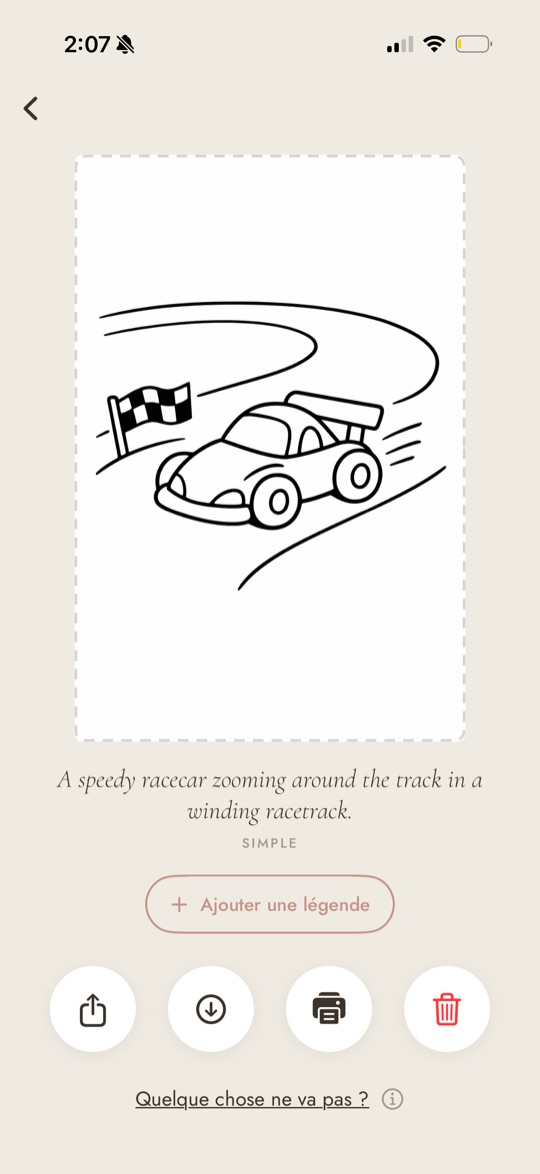
It took Claude Code less than five minutes to switch my library page from fetching all images at once to paginating. It took it over 30 minutes to pull raw English strings into a localizations file. This work is simple but tedious for a human, and exactly the kind of thing you’d expect an AI to crush.
That gap, where AI is unexpectedly bad at something easy, is worth paying attention to. Pay attention to what it’s doing, especially when a task is taking longer than expected. When Claude was doing the localizations (and failing), I asked:
“Why are you writing a script for this? It’s one file, can’t you just go line by line and extract manually?”
“You’re right, so sorry. I was over-engineering,” Claude replied.
After that, it was done in 5 minutes.
Zooming out
8. You have to think like a lead.
For years I’d stopped feeling like it was worth building products on my own. The work I loved at big tech was at the architectural level, making decisions about how things should fit together, what features mattered, how the platforms would talk to each other. As a solo dev, the architectural work existed at a much smaller scale. Most of your time went to manual labor, not to the decisions you actually loved making. With AI, solo projects are different.
There was a day toward the end of the project where I so many different things in flight at once. I was fixing Android bugs in one terminal, finishing iOS translations in another, updating the marketing website, building app store screenshots (still painfully manual), and working with a legal AI agent on an updated terms-of-service and privacy policy. I was making the high-level decisions; the agents were doing the typing.
It was thrilling. It was exhausting. Every time I came back to a terminal, I had to reload where that thread was in my head before I could be useful, and by the time I had, another agent had finished something and needed input.
It made me incredibly happy. It reignited something in me, and made me feel more like myself than I have since the day I found out I was pregnant.
It’s incredible that AI lets one person work this way. But the context-switching is the price. As this style of work becomes more mainstream, I think we’re going to need new tools to help human brains keep track of the parallel threads required to run an AI team.
This is a skill in itself, and I don’t think it’s been named yet.
9. Scale is still a problem, just a different one.
I didn’t hit a scale problem with Colorín. The closest thing was feeling a little overwhelmed by the sheer volume of code I was supposed to be reviewing. (I didn’t review all of it.) There’s an opportunity here, I think: for solo devs on low-risk products, software that identifies the highest-risk pieces of code to review and lets the AI handle the rest.
But scale is where I think AI coding still has the most work to do, and that work is mostly for big companies. I’m thinking about some of the absolutely massive codebases I’ve worked in throughout my career, and how AI fits into them. How are these companies going to review all the code? How are they ensuring compliance with governement regulations? Audits? How are they managing context in codebases that have millions of lines? How do we let AI have autonomy where the risk is acceptable, without letting it loose where it isn’t?
I don’t have answers. I just notice that everything I love about working with AI as a solo dev is something a big company can’t yet do safely.
10. Keep an eye on the bigger picture.
Colorín is a wrapper around an OpenAI image generation API. You could rebuild the core functionality on another platform with the right prompt. A lot of new products right now are like this. Do they need to exist?
Right now, I think yes. The wrapper layer is where most people will first meet AI, and that meeting matters. But it could change very fast. This is what’s exciting and disorienting about this moment: we are redefining what it means to write software, and what it means to interact with software. Our grandparents still use phone books. It may take decades for everyone to adapt, but the pace at which the foundations are shifting is unlike anything I’ve worked through.
So I’m trying to hold two things at once: build the thing in front of me, and keep looking up.
What’s next
Colorín is launched. I don't expect it to turn into a business, but in my mind it was already a success. I wanted to learn, and it taught me more than I imagined about this strange new world of AI. You can find it at colorin.app.
Now I'm taking time to build a couple skills and learn more advanced AI coding skills. Then I'm moving on to build in the diabetes space, on a problem I've been dreaming about solving for years. More on that soon.